
Simulation Notice When Sharing in Harmy: What the Patient Sees

The Harmy projection is a conversation tool, not a guarantee. That is why, every time the image leaves your phone and goes to the patient's WhatsApp, it carries a notice that it is an illustrative simulation. This tutorial shows where the notice appears and how you can use it to your advantage.
Where does the simulation notice appear?
The notice is not an option you switch on or off: it is part of the material the app generates. The patient finds it in three places.
| Material | What the patient reads |
|---|---|
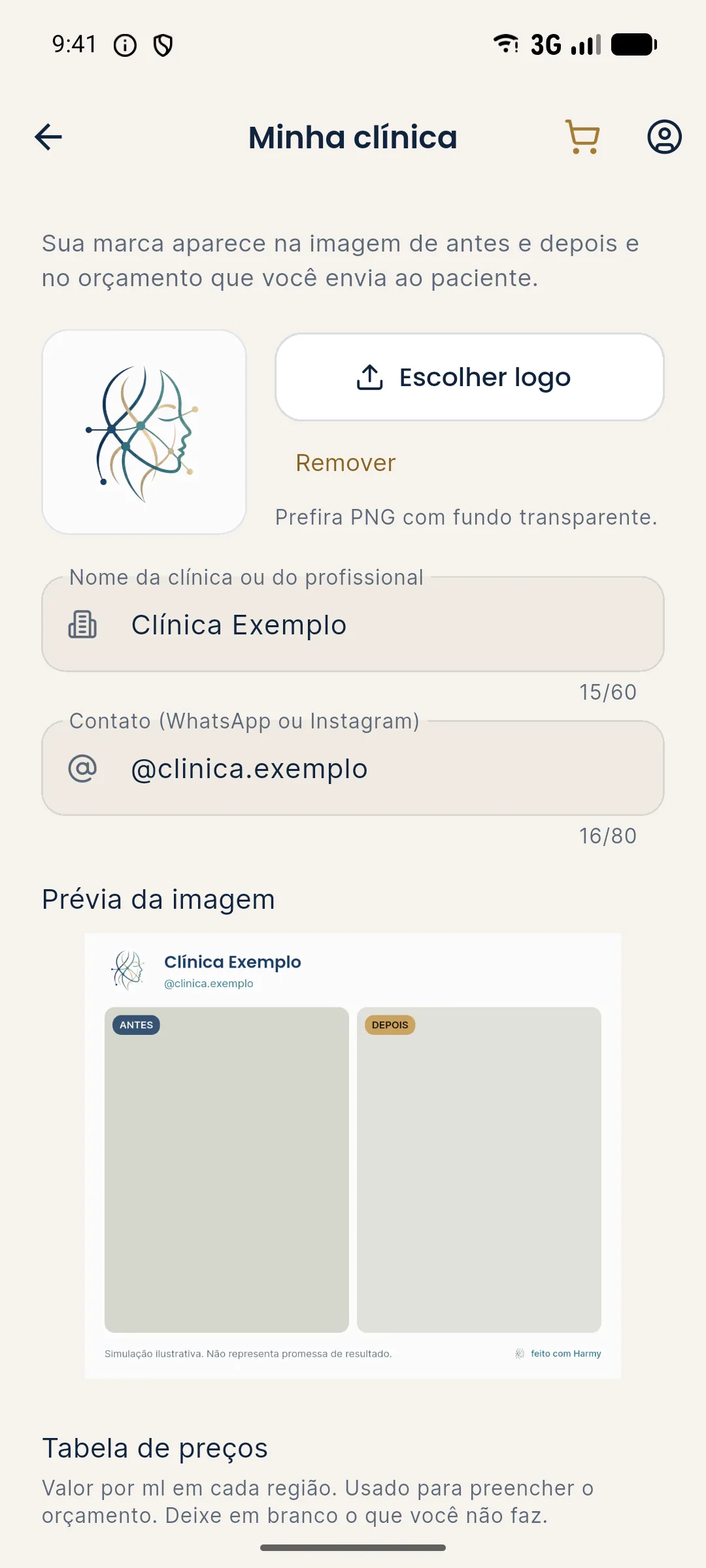
| Before and after image | BEFORE and AFTER labels, clinic header, the notice "Illustrative simulation. Not a promise of results." and the made-with-Harmy seal |
| PDF quote | Projection caption describing it as an illustrative simulation generated by artificial intelligence, and a notice that the quote is an estimate that does not replace clinical assessment |
| Patient link | The slider opened on their phone, with the clinic's logo and contact, at harmy.com.br/v/... |
Step by step to share with the notice
- Open the projection from History or right after generating it, on the Before / After screen.
- Move the gold line slowly over the treated area and, if you like, turn on Show procedures.
- Tap Share and choose the destination app.
- Before sending, check the image: the notice is visible in the bottom strip, next to the seal.
- Write a short message that reinforces the notice (see the template below).
Why does the notice matter so much?
An after image carries the force of a promise, even when no one meant to promise anything. If it circulates without context, the patient may remember it as "what I'm going to look like". The notice on the image itself creates a record that the material was presented as a simulation, and that helps with informed consent and with the relationship with the patient.
What to show on screen, and what not to post
The projection is for the consultation and for sending to the patient themselves. Posting the image on social media as if it were a treatment result is inappropriate, and the advertising rules of the professional councils and of CONAR (Brazil's advertising self-regulation body) apply. Read what you can advertise under CFO and CONAR rules and, for real photos, consent and LGPD for photos.
Tips
- Say the notice out loud before opening the slider. The spoken sentence carries more weight than the caption.
- Set up the clinic in My clinic. Without a name and logo the image comes out without a header, but the notice and the seal are still there.
- Review the message text that goes with the image: it mentions the clinic's name, or Harmy if no name is set.
- Don't crop the image to hide the notice. Cropping the material to remove the bottom strip defeats its purpose.
Common errors
| Situation | What to do |
|---|---|
| The patient thought it was a guaranteed result | Go back to the conversation, explain the simulation and, if needed, record the clarification |
| The image was reposted without context | Ask for it to be taken down and reinforce that it is consultation material |
| The header came out without the branding | Fill in Account › My clinic and share again |
The next step is guiding the conversation: see how to explain to the patient that the projection is a simulation.
Frequently asked questions
Does Harmy put a simulation notice on the shared image?
Yes. The before and after image comes out with the notice "Illustrative simulation. Not a promise of results." alongside the BEFORE and AFTER labels and the made-with-Harmy seal.
Does the simulation notice also appear on the PDF quote?
Yes. When the images are included, the caption states that the projection is an illustrative simulation generated by artificial intelligence, and the PDF carries a notice that the amount is an estimate.
Can I remove the simulation notice from the image?
No. Harmy keeps the notice on all shared material, and that protects you and the patient from a misreading of the projection.
Is the notice on the image enough to align the patient's expectations?
No. The notice helps, but it is the conversation that aligns expectations. Say out loud that it is a simulation and that the outcome depends on assessment and individual response.