
Phone Filters and Beauty Mode in Clinical Photos

Quick facts
- Problem
- Many phones smooth skin, slim the face and lighten the tone without telling you.
- Clinical effect
- Erases pores, lines, folds and tear troughs and changes the contour, falsifying the before and after.
- Solution
- Turn off beauty mode, retouching and portrait mode, and always use the same settings.
- How to check
- Photograph a textured object and see whether the camera smooths the image.
A patient comes in for follow-up and, in the comparison, the skin looks smoother and the tear troughs less visible than in the first photo. Good news for the treatment? It may be just the phone. Many modern devices automatically apply skin smoothing, tone adjustment and even face shape correction. In a casual photo that is convenience. In a clinical photo it is noise that contaminates the record.
This page shows what is usually turned on by default, how to disable it and how to confirm the image came out "raw."
What does the phone change without telling you?
Processing varies by brand and version, but the points below show up often:
- Skin smoothing: reduces texture, pores, fine lines and marks, leaving the skin looking painted.
- Lightening and tone adjustment: skin becomes lighter and more even, and the color changes between photos.
- Slimming and shape adjustment: on some front cameras the face is slightly slimmed or the eyes enlarged.
- Aggressive HDR: balances light and shadow in a way that flattens relief. See HDR and portrait mode in clinical photos.
- Portrait mode: blurs the background by software and can smear the edge of the hair and jawline.
- Noise reduction: in low light, erases fine detail along with the noise.
The effect is small in each photo and large across the set: folds, tear troughs, spots and swelling become less visible, and the clinical reading is lost.
Why is this a problem for documentation?
Because the record exists for comparison. If the camera "corrects" the face differently at each visit (because of a system update, a device change or a change in light), the difference between photos mixes the effect of the treatment with the effect of the software. This also weakens the medical record when a question arises, because the image does not faithfully represent the patient.
There is also an expectation effect. Someone used to seeing their own filtered face may find the raw photo unsettling. The topic appears in the glossary as filter dysmorphia and should be handled carefully in conversation, without embarrassing the patient.
How do you turn off the camera's beautification?
Names change, but the path is usually similar:
- Open the camera settings and look for items like beauty, retouch, enhancement, face effects, portrait mode or filters.
- Disable whatever exists, on both the front and rear cameras (settings are usually separate).
- Use the regular photo mode, not portrait, panorama or night.
- Turn off automatic scene enhancement or artificial intelligence optimization, if the device offers it.
- If there is a pro or manual mode, prefer it, since it reduces processing and lets you lock exposure and color.
- Do not apply messaging or social media app filters over the photo.
Run the test once per semester or after a system update, because updates can switch features back on.
Does the front or rear camera make a difference?
Quite a lot. The front camera usually has more beautification active and a lower quality lens, and the image may come out mirrored. See front or rear camera in clinical photos. In general, the rear camera with clean settings delivers a more faithful image.
Photo app and messaging filters count too
Even with a clean camera, the photo can be altered afterward. Some gallery apps suggest automatic "enhancements," and messaging apps recompress the image and reduce sharpness. For documentation:
- keep the original file, straight from the camera;
- avoid sending the photo through messaging apps as a storage method (see the risks in patient photo on personal WhatsApp);
- do not use the gallery's "enhance" option.
The line between acceptable standardization and editing is in editing or not editing a clinical photo.
What if the patient asks you to "improve" the photo?
It can happen, especially when the photo is going to be shown to them. Explain the difference between a record photo and a marketing photo. The record photo is for the medical record and is not retouched. If there is authorization to publish, the use is different and follows its own rules, as in what can be published (CFO and CONAR). A retouched image must never be presented as an actual result.
And in Harmy?
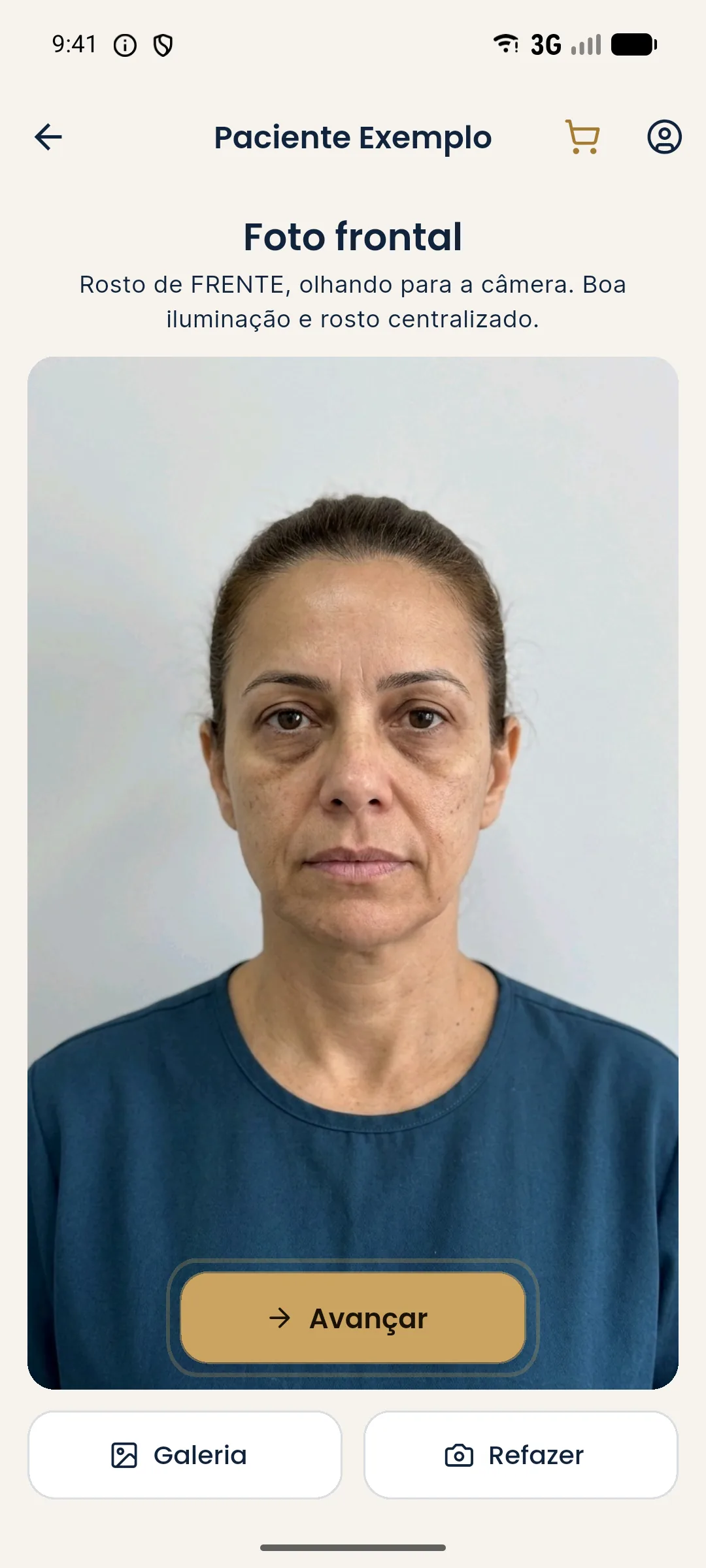
Harmy detects the face on the device itself and uses the original photo sent, with no skin retouching in the prompt. A photo already smoothed by the phone carries that smoothing into the simulation, and the result is less informative. To get the most from the projection, start with a raw, well-exposed, frontal photo, as clinical photos with a phone explains.
Summary
Turn off beauty, portrait and aggressive HDR, test the camera from time to time and keep the original file. A clinical photo does not need to be pretty. It needs to be true and repeatable.
Frequently asked questions
Does the phone improve the skin without me asking?
Some devices apply smoothing, lightening and contour adjustment by default, especially on the front camera and in portrait mode. It is worth checking the settings before using the device for patient photos.
How do I turn off my phone's beauty mode?
Usually in the camera settings, under items like beauty, retouch, enhancement or effects. The name varies by brand, and some devices have separate settings for the front and rear cameras.
Does a light filter get in the way of clinical documentation?
It does, because it alters skin and contour in a way that varies between photos and devices. Documentation depends on the image reflecting the real face, without a layer of aesthetic processing.
Does the phone's automatic post-processing count as editing?
In practice, yes: it alters the image without the professional's control. That is why the ideal is to turn off whatever you can and keep the same device and settings across visits.
Harmy images are illustrative simulations generated by AI from the patient's photo to support the conversation between practitioner and patient. They are not a promise of results. Indication, technique, product and volume are solely the decision of the licensed practitioner. This content is for information only and does not replace a clinical assessment.