
Electronic patient records for HOF: how to choose

Quick facts
- Topic
- Choosing electronic patient records for HOF
- Core criterion
- Fields your practice actually uses
- Critical point
- Photos, product lot and consent
- Legal caution
- LGPD, record retention and professional board rules
Choosing electronic patient records looks like a technology decision, but it is a clinical routine decision. A system with no field for the product lot forces you to write it in free-text notes. A system that mixes photos with loose attachments makes the professional waste time looking for the follow-up photo. And a system nobody opens after the first week becomes a paid subscription nobody uses. In HOF, the record has to follow what the professional actually does: facial assessment, area-by-area planning, product, lot, standardized photos, consent and follow-up.
This page organizes selection criteria that apply to any system, without comparing brands. The final choice depends on the size of the clinic, the team and the rules of your professional board. For the documentation and clinical overview, see patient records and documentation in HOF and LGPD in patient records and photos.
What an HOF patient record needs to capture
The minimum content usually includes identification, medical history, examination, assessment, plan, procedure performed, instructions and follow-up. In HOF, some items carry extra weight:
- Concern and expectations of the patient, in their own words.
- Assessment by area, not just free text.
- Planning: what was recommended, what was left for later and what was declined.
- Product, lot and expiration date of everything that was applied.
- Standardized photos before, immediately after and at follow-ups.
- Consent for the procedure, for image use and for data processing.
- Complications and actions taken, recorded with date and time.
- Instructions given, with confirmation that the patient received them.
Criteria table for comparing systems
| Criterion | What to check | Why it matters in HOF |
|---|---|---|
| Structured fields | Lot, expiration, product, area, volume | Traceability and reporting by complication |
| Photos | Gallery by patient and date, side-by-side comparison | Follow-up and standardized comparison |
| Consent | Editable templates, signature and archive | Proof that the patient was informed |
| Security | Access control, log of who opened what, encryption | LGPD and professional confidentiality |
| Backup | Automatic copies and tested restoration | Data loss is a clinical and legal risk |
| Export | Download everything in a readable format | Avoid being held hostage by the system |
| Ease of use | Time to record a visit | If it is slow, the team stops using it |
| Multi-user | Role-based profiles (professional, front desk) | Each person sees only what they need |
| Integration | Schedule, finance and messaging | Less rework |
| Support | Channel, response time and hours | A failure on a full-schedule day is costly |
Do not look for the system with the most features. Look for the one that covers the essential criteria and that your team will be able to use.
HOF-specific fields worth attention
Many generic clinic or dental systems have no fields designed for harmonization. When testing, look for:
- A facial area map, to mark what was assessed and what was treated.
- A structured product and lot field, with expiration. See injectables traceability and the lot record template.
- History of previous procedures, including treatments done elsewhere, which matters when facing an unknown previous filler.
- Alerts for allergies, medications and contraindications, visible when the record opens.
- Complication log with fields for date, signs, action taken and follow-up. See recording a complication in HOF.
- Document attachments, such as signed consent forms and instructions given.
Photos: the point that defines the choice most
In HOF, the photo is part of the patient record. The ideal system lets you:
- organize photos by date and by view (front, three-quarter, profile);
- compare two dates side by side;
- restrict access by role;
- record consent for image use;
- delete with a log entry when appropriate.
See standardized clinical photography and disposal of patient photos and data. If the system only stores loose images, organization is left to the team, which tends to fail when the schedule gets busy.
LGPD, security and retention
The patient record brings together health data and facial images, which require reinforced protection. When comparing systems, ask:
- where the data is stored and who has access;
- how backup is done and how long restoration takes;
- whether there is an access log (who opened what and when);
- whether the vendor acts as a data processor and offers an appropriate contract;
- how the patient can request access or corrections;
- what happens to the data if you end the contract.
Complement this with LGPD data protection officer at the clinic, patient record retention period and data security at the clinic. Deadlines and obligations should be confirmed with your board and with the clinic's lawyer or accountant.
Signing consent forms and the document's value
Consent forms and other documents need an acceptable form of signature. Some clinics use on-screen signatures, others digital signatures with a certificate, others print and scan. The best format depends on the document and on what the board requires. To understand the options, see digital signature of consent forms in HOF and informed consent in HOF and legal defense.
When the cost makes sense
The cost of an electronic patient record pays for itself in time, security and organization, but only if it is used. Systems that are too complete for a small clinic become friction. Systems too simple for a clinic with a large team become a bottleneck. Compare the monthly price with the time saved per visit and the risk it reduces. For comparison with other systems in the clinic (scheduling, finance), see management software for the HOF clinic and CRM for the HOF clinic.
Patient records and Harmy: what one does and what the other does not
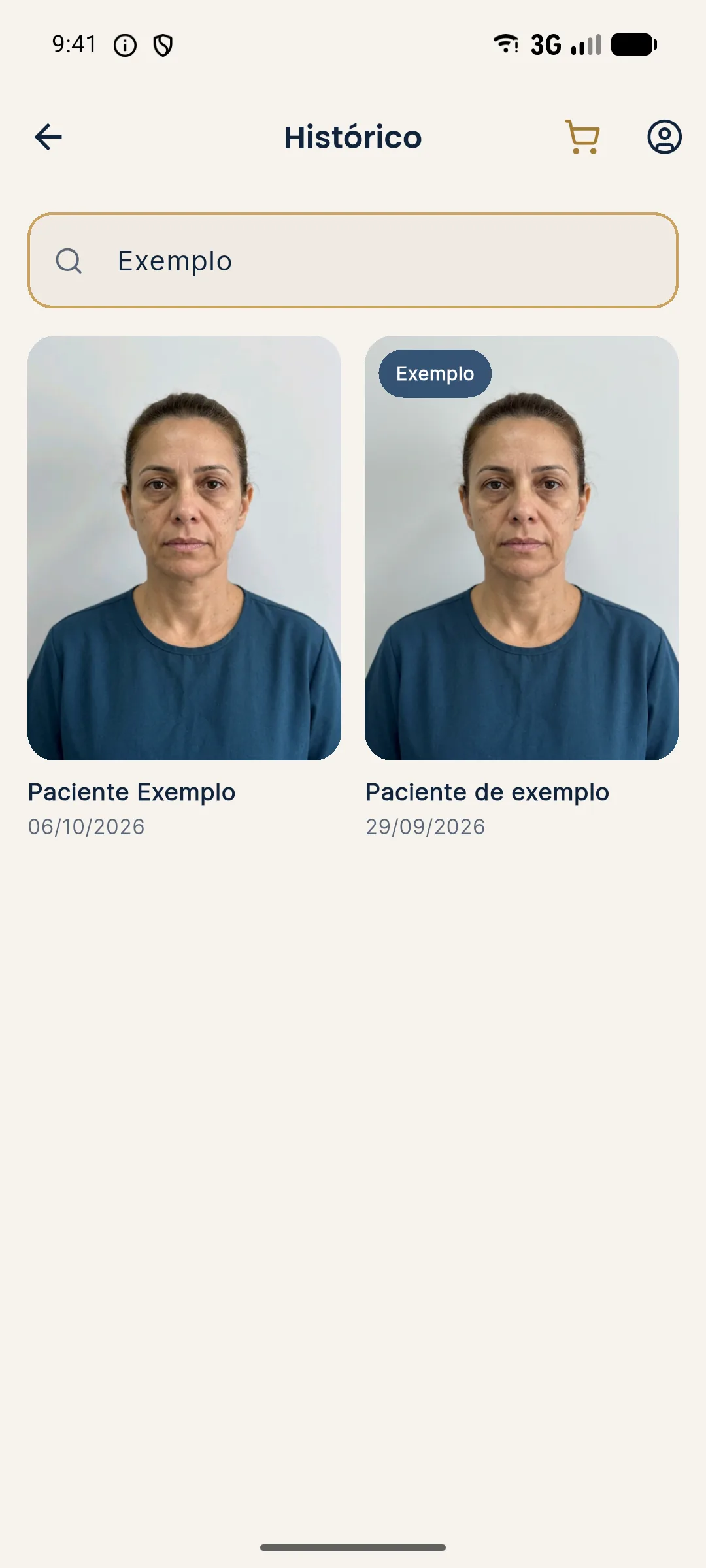
Harmy is not a patient record system. The app stores projection sessions by patient (front photo, markings, ml, intensity and generated image), with search by name, and can store the aligned actual result photo. That helps with presentation and visual follow-up, but the clinical record with medical history, progress notes, consent forms and lot numbers stays in the clinic's system.
Choose calmly, test with real cases and involve the people who will use it. The patient record is one of the few tools in the clinic that protects the patient, the professional and the business at the same time.
Frequently asked questions
What is the best electronic patient record system for HOF?
There is no single best one. The best is the one that covers the fields your practice needs, protects the data and is actually used by the team. Test it in real situations before signing up.
Does an electronic patient record need a digital signature?
It depends on your professional board's rules and on what the clinic needs to prove. Confirm with your board and with your accountant or lawyer the validity of the electronic record and the type of signature that applies.
Should the patient record store the product lot?
Recording product, lot and expiration date is good traceability practice for procedures with injectables and helps with any complication. The system should have a field for this, preferably a structured one.
Can I store patient photos in the patient record?
You can, with proper consent and attention to security, since a photo of the face is in practice sensitive personal data. The system should control access and allow disposal according to the clinic's policy.