
Aligned Post-Procedure Photo in Harmy: How to Take It
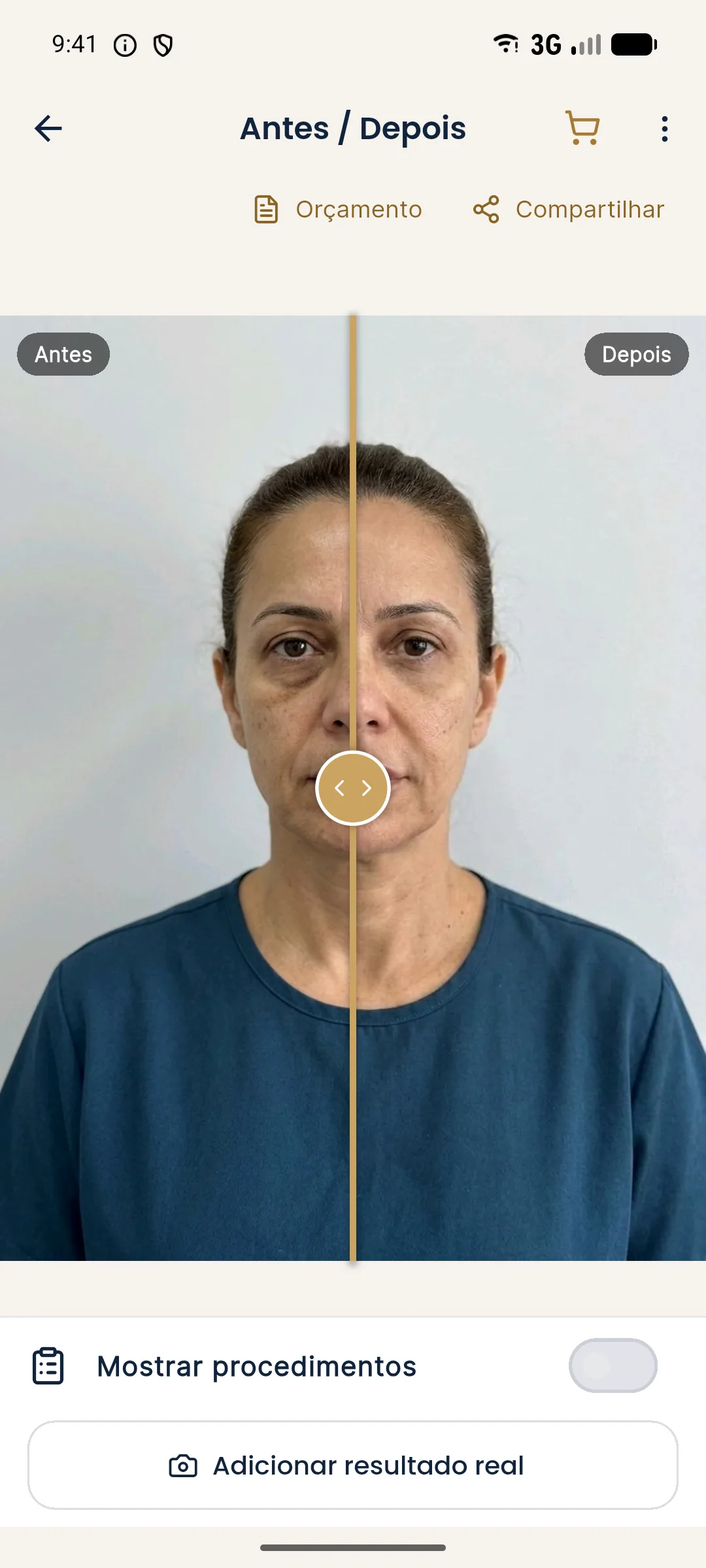
The comparison between before and after is only valid when both photos are taken under the same conditions. Harmy helps repeat the framing with guided capture and aligns the photo by the eyes, but the essential part is still your photography routine. This tutorial shows how to take the post-procedure photo so the comparison is honest.
Why does the post-procedure photo need to be aligned?
If the post-procedure photo has a different distance, camera height or light, the patient appears to have changed even without any real change. Alignment corrects position and size, but not light, angle or expression. The more similar the conditions, the more reliable the comparison with the projection. For the general standard, see standardized clinical photography and standardized frontal photo.
Step by step in guided capture
- Open History and tap the patient's card.
- Tap Add actual result.
- On the Actual result photo screen, notice the before photo appearing as a transparent overlay on the camera.
- Position the patient so that the eyes, chin and face outline match the overlaid image.
- Take the photo and tap Next.
- Wait for Aligning photo... and confirm at Actual result added.
How to repeat the environment of the first photo
| Item | What to repeat |
|---|---|
| Location | Same spot in the office, same background |
| Light | Same source and approximate time of day |
| Distance | About 1 meter, as in the first photo |
| Height | Camera at eye level |
| Posture | Head straight, looking at the lens |
| Expression | Neutral, mouth closed |
| Hair and accessories | Hair tied back, no glasses |
What about swelling?
A photo taken right after the procedure shows swelling (edema), not the result. Choose the time of the photo according to your follow-up protocol. For what to do in the comparison, see compare the projection and the actual result in Harmy.
Common errors
| Situation | How to fix it |
|---|---|
| Aligned photo looks odd | Photograph again at the same distance and use Replace result photo |
| Different light | Redo it at the same time of day and in the same place |
| Patient smiling | Ask for a neutral expression |
| Head tilted | Reposition the patient using the overlay |
Tips
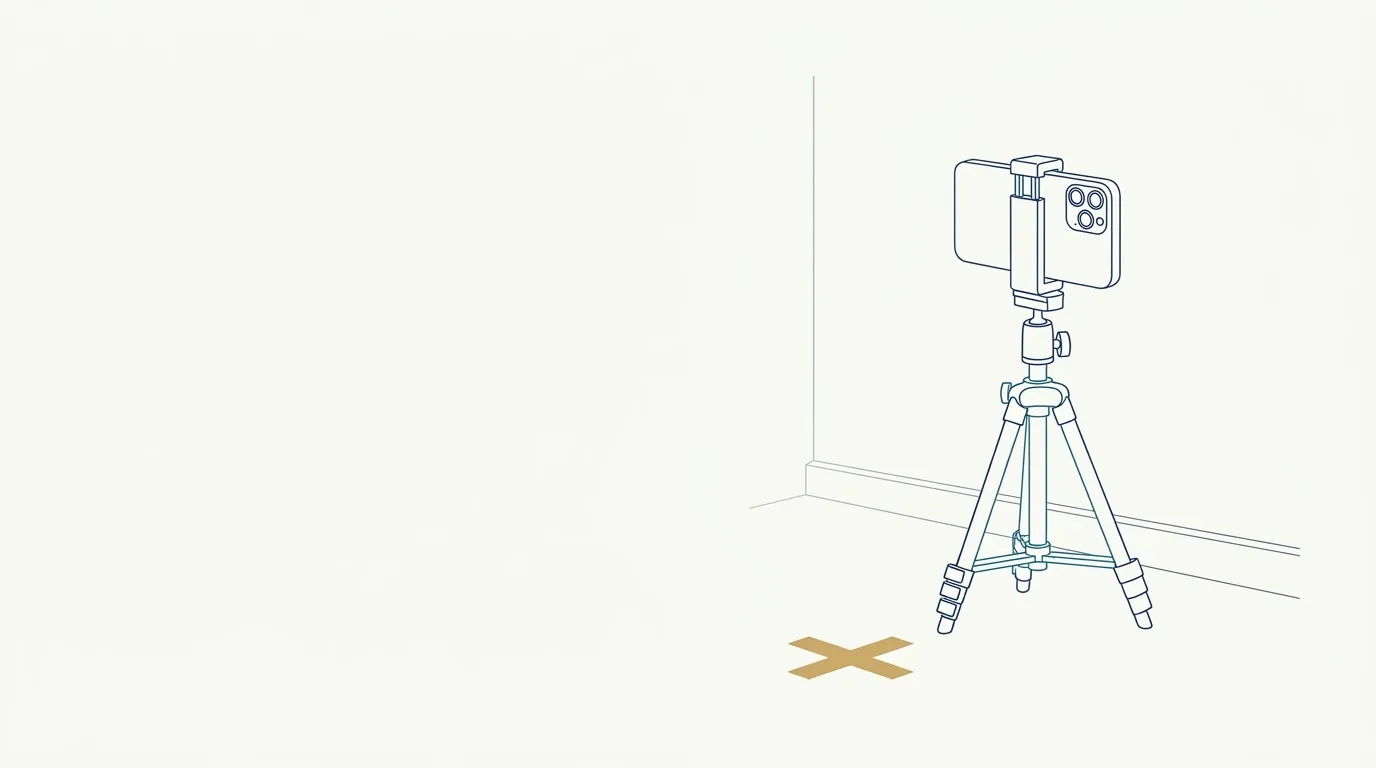
- Mark the spot on the floor where the patient stands, to repeat the distance.
- Always photograph at the same time of day when possible.
- Take two photos and pick the better one before continuing.
- Think about the follow-up from the first photo: a well-taken first photo makes all the following ones easier.
When the aligned photo didn't turn out well
If the aligned photo looks odd, the reason is usually a difference in distance, light or head position relative to the first photo. Alignment by the eyes corrects size and position, but it can't invent what the photo doesn't have. In that case, use the three-dot menu at the top of the screen to change the result photo and redo the capture with the before photo well fitted in the overlay.
If the first photo, the before, was not taken in good conditions, the comparison will be limited forever. That is why investing in a good first photo pays off at every follow-up consultation. See poor photo in Harmy: how to improve it to adjust the clinic's standard.
Frequently asked questions
How does Harmy help repeat the framing of the before photo?
In guided capture, the app shows the before photo as a transparent overlay on the camera, so you can fit the patient's face in the same position and distance.
Does the app align the post-procedure photo by itself?
Yes, it locates the eyes in both photos and adjusts size and position. It does not correct different lighting, a tilted head or a different expression.
Can I use a gallery photo as the actual result?
You can, but guided capture with the before photo overlaid usually gives more faithful framing. Gallery photos need more care with distance and light.
How long should I wait before taking the post-procedure photo?
It depends on the procedure and on your practice. Avoid photographing with recent swelling, which shows a puffy face and not the result.