
Combining Several Areas in One Harmy Projection
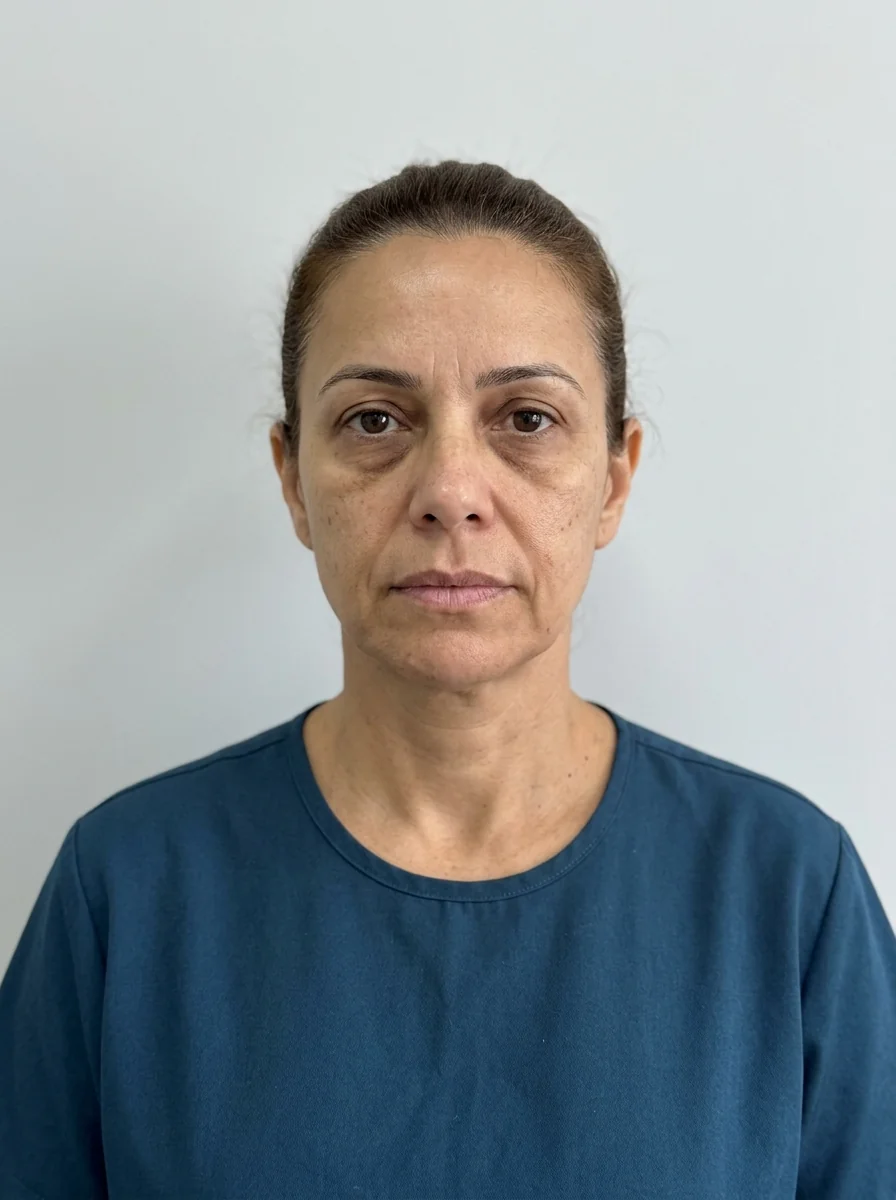
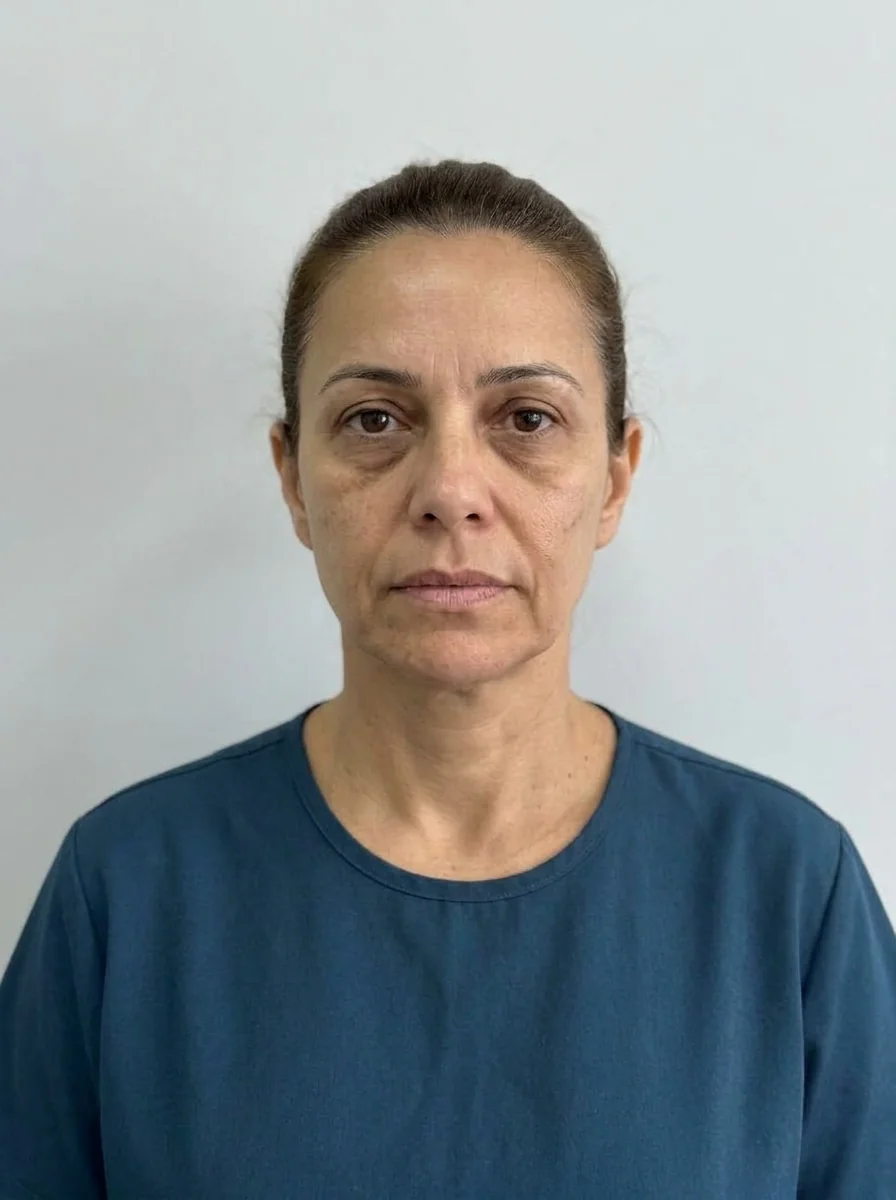 BeforeSimulation
Almost no orofacial harmonization plan works on a single area. The patient who asks for lips usually also has a concern about the fold, chin or jaw, and Harmy lets you put everything in one projection. The question is how to think about the set without losing clarity.
What happens when I mark several areas?
The AI receives the list of areas, the volume and the intensity of each, and generates a single image in which they all change at once, preserving skin, expression, background, hair and lighting. Because the projection is subtle by design, the combined effect is usually harmonious, but each area is less obvious than in a single-area projection.
How to think about the set
Before marking, organize the plan in order of priority. A good consultation conversation starts with the main concern and then shows the areas that support the result. In general, assessing the whole goes through the facial thirds: what is done in the midface affects how the lower third reads.
Plan shortcuts
The Plan offers three shortcuts that fill in areas and volumes for you to adjust.
| Shortcut | What it fills in |
|---|---|
| First time | Lips 1 ml Moderate; tear trough 1 ml Subtle |
| Maintenance | Lips 0.5 ml Subtle; nasolabial fold 1 ml Subtle; cheekbone 1 ml Subtle |
| Full harmonization | Cheekbone 2 ml, jawline 2 ml, chin 1.5 ml, lips 1 ml, nasolabial fold 1 ml (all Moderate); tear trough 1 ml Subtle |
The shortcuts are a starting point, not a protocol. Adjust each area to the case, at your discretion after assessment.
Step by step
- Mark the areas in the plan, one by one, and check the count next to Plan.
- Open the Plan and choose the ml and intensity for each area.
- Review the total ml and compare it with what fits in one session, according to your practice.
- Tap Create projection and, when it finishes, turn on Show procedures to see the ml for each area over the after.
When to split into more than one projection
If the plan has stages (for example, base first, refinement later), generating one projection per stage keeps each image aligned with what will actually be done in each session. Each projection costs R$ 3.99, with no subscription, and the history keeps all of them per patient. See history per patient in Harmy.
Common errors
| Situation | What to do |
|---|---|
| The set looks like "little" in the image | This is expected: the projection is subtle. Show each area with Show procedures |
| Total volume larger than fits in one session | Split into stages and generate one projection for each |
| Area with no point in the app | Tell the patient that the projection doesn't cover that part of the plan |
| Quote with more items than the plan | Review the Plan before generating the PDF |
To close the conversation, continue to building the quote by ml in Harmy.
Frequently asked questions
Can I mark several areas in the same Harmy projection?
Yes. You mark as many areas as are part of the plan and set the ml and intensity of each one in the Plan, and the projection is generated once.
Does marking many areas make the projection less faithful?
It can make it harder to read, because each change is subtle and the whole may look poorly defined. A lean plan usually leads to a clearer conversation.
Is there a shortcut for a plan with several areas?
Yes. The Plan has shortcuts such as First time, Maintenance and Full harmonization, which fill in areas and volumes for you to adjust.
Is it worth splitting the plan into two projections?
When there are many areas or stages, yes. Each projection costs R$ 3.99, and splitting by stage keeps each image aligned with what will be done in each session.