
Locking Exposure and Focus on Your Phone for Clinical Photos
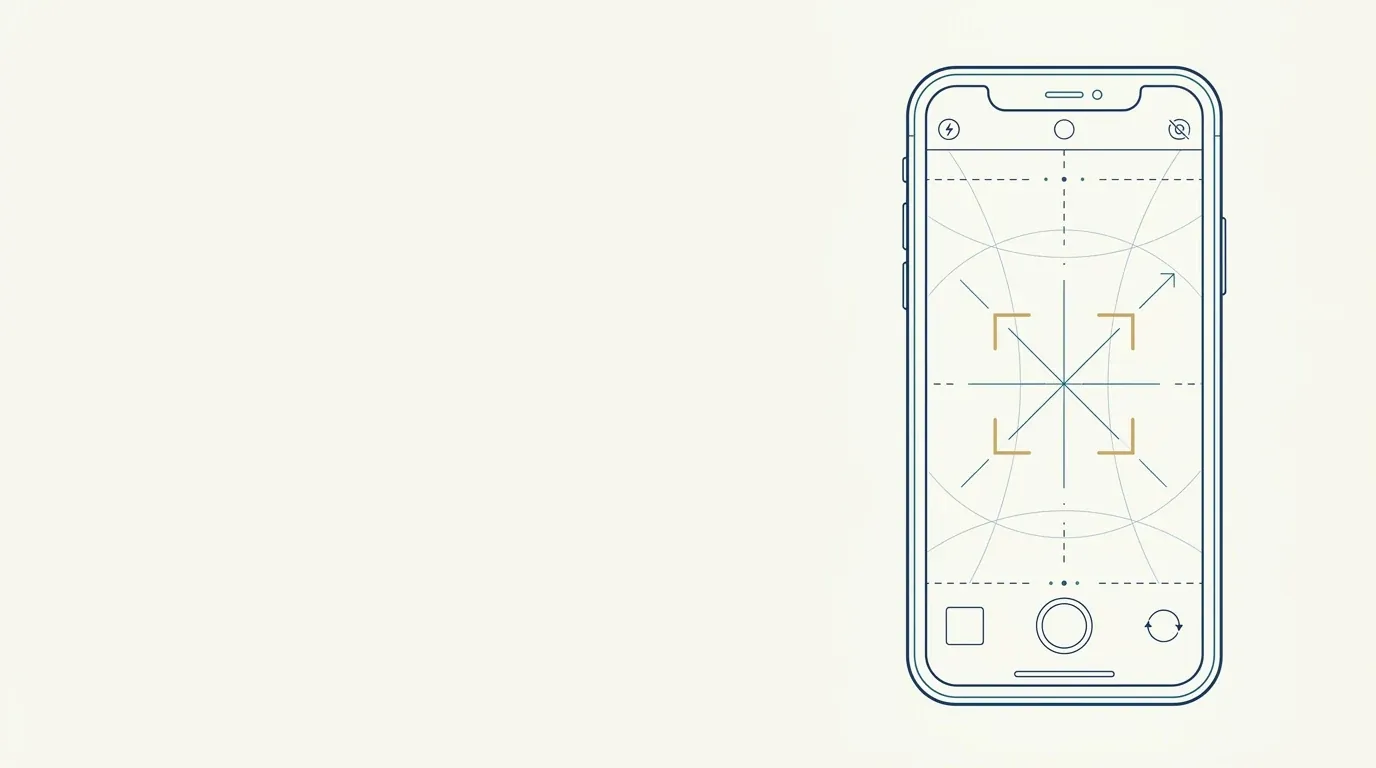
Quick facts
- AE/AF lock
- Locks exposure (brightness) and focus on the chosen point until you release it.
- How
- Tap and hold the face on the screen until AE/AF lock appears, or use Pro mode.
- Where to focus
- On the eyes, or on the line between them, with the face centered.
- Why
- On automatic, the camera changes brightness and focus with every shot, and the photos come out different.
You position the patient, adjust the light, check the framing and tap. The camera, on its own, decides the face is too bright, darkens the image, refocuses on the background and takes the photo. Ten seconds later you repeat it and the photo comes out a bit brighter. The result is a set of images that look like they came from different sessions, though they were taken in the same minute.
Locking exposure and focus takes the camera out of that decision, and it is one of the simplest and most effective adjustments in clinical photography with a phone.
What does the camera do on automatic?
In automatic mode, the phone re-evaluates the scene before every shot. It measures the brightness of the frame and adjusts exposure; it looks for a focus point and adjusts sharpness. This works well for everyday photos, but it gets in the way of standardization for three reasons:
- Exposure changes with what is in the frame. A light blouse makes the camera darken the face; a dark blouse makes it brighten.
- Focus can jump. The camera may focus on the hair, the ear or the background, leaving the eyes slightly out of focus.
- Enhancement features kick in unannounced. HDR and automatic processing redraw shadows and highlights (see HDR and portrait mode).
What does locking exposure and focus mean?
It means asking the camera to memorize the values measured at one point and keep them for the following photos. This feature appears as AE/AF lock (from auto exposure and auto focus). The most common gesture:
- Open the camera in the final position and lighting.
- Tap and hold on the patient's face (between the eyes) on the screen.
- Wait for the lock notice (a symbol or the AE/AF lock message).
- If there is a brightness control (a sun icon next to the square), adjust it until the face has natural brightness.
- Take the photos without touching the screen again.
On some devices the gesture is different or there is a dedicated button. In camera apps with a Pro mode, you can fix ISO, shutter speed and manual focus values.
Where should you focus on the face?
The focus point should sit on the most important area of the face. For a frontal photo, the best choice is usually the line between the eyes, or one of the eyes. When focus is on the eye, it falls off softly around it, and sharpness covers the periorbital region, where the tear troughs are, and much of the face.
Avoid focusing on:
- the nose (the tip is sharp and the ears and sides are less so);
- the forehead (the eyes may come out soft);
- the hair or clothing;
- the background.
For detail photos of the lips, focus on the lip, not the eye.
What precautions avoid surprises?
What about when the patient moves to the oblique view or profile?
The lock applies to the scene in which it was set. When the patient turns, the distance, angle and lighting may change, and it is worth locking again. The ideal is to keep the same final brightness: if the frontal view has the face at a certain brightness, the other views should have similar brightness.
How does exposure affect the comparison?
Imagine two photos in which automatic exposure produced faces of different brightness. The brighter one reduces the depth of folds and redness; the darker one accentuates them. The comparison starts to reflect the camera's decision. With exposure locked and stable light, the variation drops a lot, and later corrections, which should be minimal, become unnecessary. See correcting brightness and contrast in a clinical photo for acceptable adjustments and white balance in clinical photos for color.
| Situation | Without locking | With exposure and focus locked |
|---|---|---|
| Light or dark blouse in the frame | Face brightness varies | Stable face brightness |
| Dark hair behind | Camera brightens the face | Brightness set by you |
| Several views in sequence | Each photo with its own brightness | Consistent set |
| Follow-up photo months later | Hard to match | Values noted and repeated |
| Focus | May jump to the background | Stays on the eyes |
What if the phone does not have the feature?
There are three alternatives:
- A camera app with manual mode, which lets you fix ISO, shutter speed and focus.
- A dedicated camera or compact, with full manual mode.
- Controlling the environment: with stable light and a neutral background, automatic mode varies less, though it is not ideal.
In every case, note the device and settings used so you can repeat them later.
And in Harmy?
Harmy lets you take the frontal photo with the app's own camera or pick one from the gallery. If you use the gallery, a photo taken beforehand with exposure and focus locked reaches the app with consistent brightness and sharp eyes, and face detection and the illustrative simulation tend to be more reliable. Photos with a dark, blown-out or blurry face affect how the areas are read. See bad photo for AI projection and standardized frontal photo.
Summary for your routine
Stabilize the light, tap and hold to lock exposure and focus on the eyes, adjust the face brightness, take all the photos without touching anything and lock again when you change views. Note the device and values. With the camera out of the decision, the before and after photos differ by the face and not by automation.
Frequently asked questions
What is AE/AF lock on a phone?
It is the lock for auto exposure (AE) and auto focus (AF). On many phones, you just tap and hold on the face on the screen until the lock notice appears.
Where should I focus in the patient's face photo?
On the eyes or the area between them, so the most important part of the face is sharp. Avoid focusing on the nose or forehead, which can leave the eyes slightly out of focus.
Does locking exposure help compare before and after?
A lot. With exposure locked, the brightness of the face varies less from one photo to the next, and the comparison depends less on the camera's automatic decision.
Does every phone have this feature?
Most current phones let you lock exposure and focus in the camera app, but the gesture varies by brand and model. Check your device's manual or use a camera app with manual mode.
Harmy images are illustrative simulations generated by AI from the patient's photo to support the conversation between practitioner and patient. They are not a promise of results. Indication, technique, product and volume are solely the decision of the licensed practitioner. This content is for information only and does not replace a clinical assessment.