
Common Mistakes When Using Harmy and How to Avoid Them
Most problems in Harmy come from a few repeated causes, and almost all of them show up before the projection is generated. This list gathers the most common mistakes, the reason for each and the fix, so you save credits and consultation time.
Photo mistakes
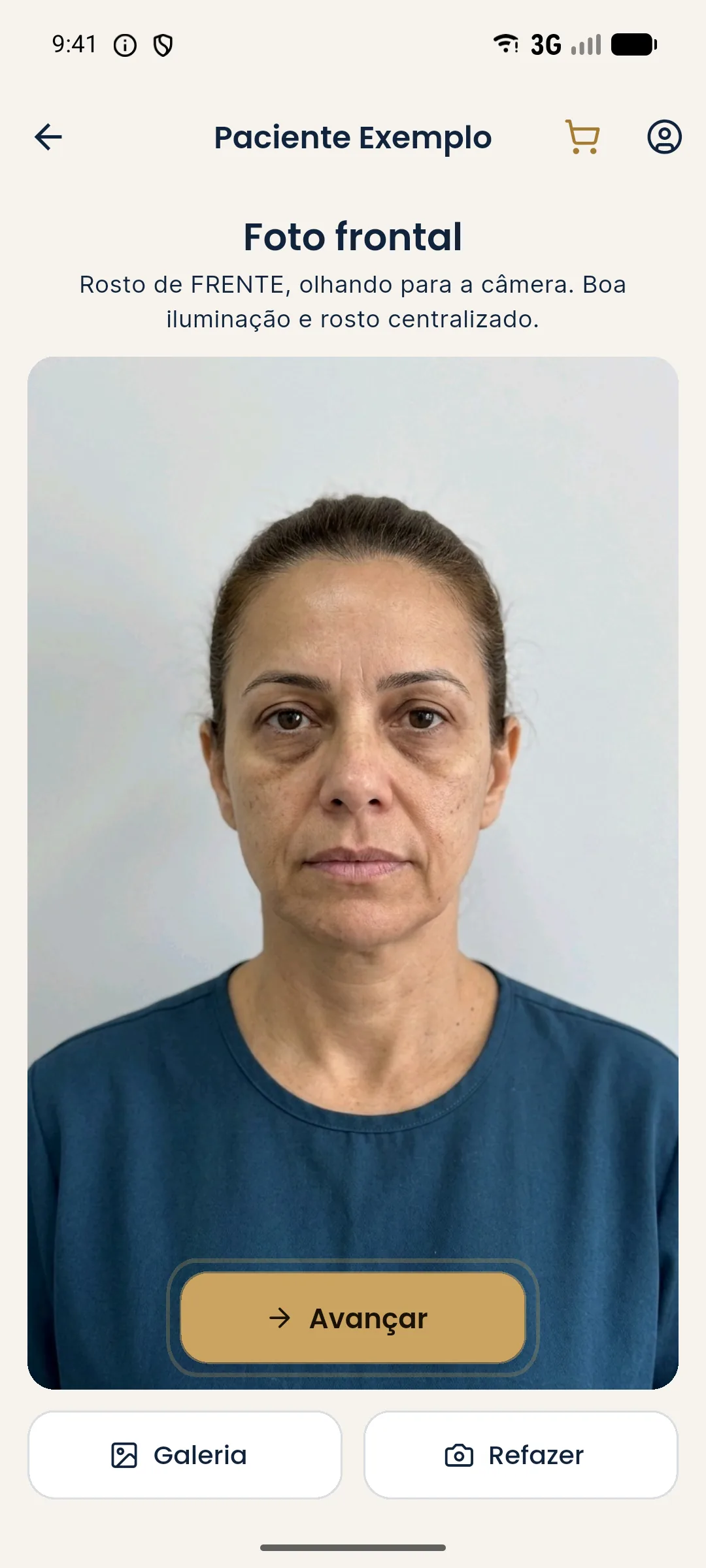
The photo is the raw material for everything. The most common mistakes are overhead light, camera below the chin, patient smiling, hair on the forehead and a social media filter. The app warns in some cases (face turned sideways, dark or bright photo), but it doesn't detect everything. See standardized frontal photo and poor photo in Harmy: how to improve it.
Marking mistakes
| Mistake | Effect | Fix |
|---|---|---|
| Marking too many areas | Diffuse projection, inflated quote | Mark only the plan |
| Tapping the neighboring point | Wrong area in the plan | Unmark and use zoom |
| Forgetting that ml is the total for bilateral areas | Half the volume | Enter the total for both sides |
| Copying volumes from another patient | Image doesn't fit the case | Reassess each patient |
| Using inflated volumes | Unrealistic expectation | Within the usual range, at the professional's discretion |
Mistakes reading the projection
The most dangerous conceptual mistake is treating the projection as a promise. It is an illustrative simulation, made to illustrate a conversation. The subtle projection, by the way, is intentional: the AI is instructed to keep skin, expression, background, hair and lighting. To understand why the change is discreet, see why the Harmy projection is subtle and realistic.
Mistakes when sharing and quoting
- Sending the image to someone other than the patient.
- Posting the projection on social media as if it were a result.
- Generating the PDF with outdated prices in the My clinic table.
- Forgetting to fill in My clinic and sending the image without a header.
- Not checking the validity of the quote before sending.
Account and credit mistakes
Each projection costs R$ 3.99, and only creating a new projection uses credits. Reviewing History, sharing and generating quotes are free. The typical mistake is letting the balance hit zero at consultation time: top up before a full schedule. See how much each projection costs in Harmy.
Tips to avoid repeating the mistakes
If you have doubts about marking, go back to best practices for marking areas in Harmy.
How to turn mistakes into routine
What reduces mistakes the most is a fixed ritual, always in the same order: consent, photo, marking, volumes, check, creation, presentation and sending. When the flow becomes habit, the whole team makes fewer slips, and credits are spent only on projections worth the conversation. If more than one person at the clinic uses the app, agree on who photographs, who marks and who sends, so no one depends on someone else's memory.
When something comes out different from what you expected, write down what happened: light, distance, area and volume. In a week you will have a clear pattern of what tends to fail in your routine and will know exactly where to adjust. See also projection different from expected in Harmy.
Frequently asked questions
What is the most common mistake when using Harmy?
An unsuitable photo, with uneven light, a tilted head or a smile. The projection inherits everything in the photo, so the quality of the start sets the quality of the end.
Why does the Harmy projection look too subtle?
Because the AI changes only what was marked, in proportion to the volume entered. Review the ml and intensity, and remind the patient that it is an illustrative simulation.
I marked the wrong area, what do I do?
Before creating the projection, tap the point again to unmark it. Once it is created, you need to generate a new projection.
I got the patient's name wrong, can I fix it?
Yes. In History, press and hold the card and use Edit patient name.