
How to use Harmy in the first consultation

Using Harmy in the first consultation can make the conversation more concrete, but it only works well if it comes at the right moment. The projection is not the opening of the consultation: it comes after listening and assessment. This guide suggests a sequence that keeps the clinic ahead of the technology.
What is the ideal order?
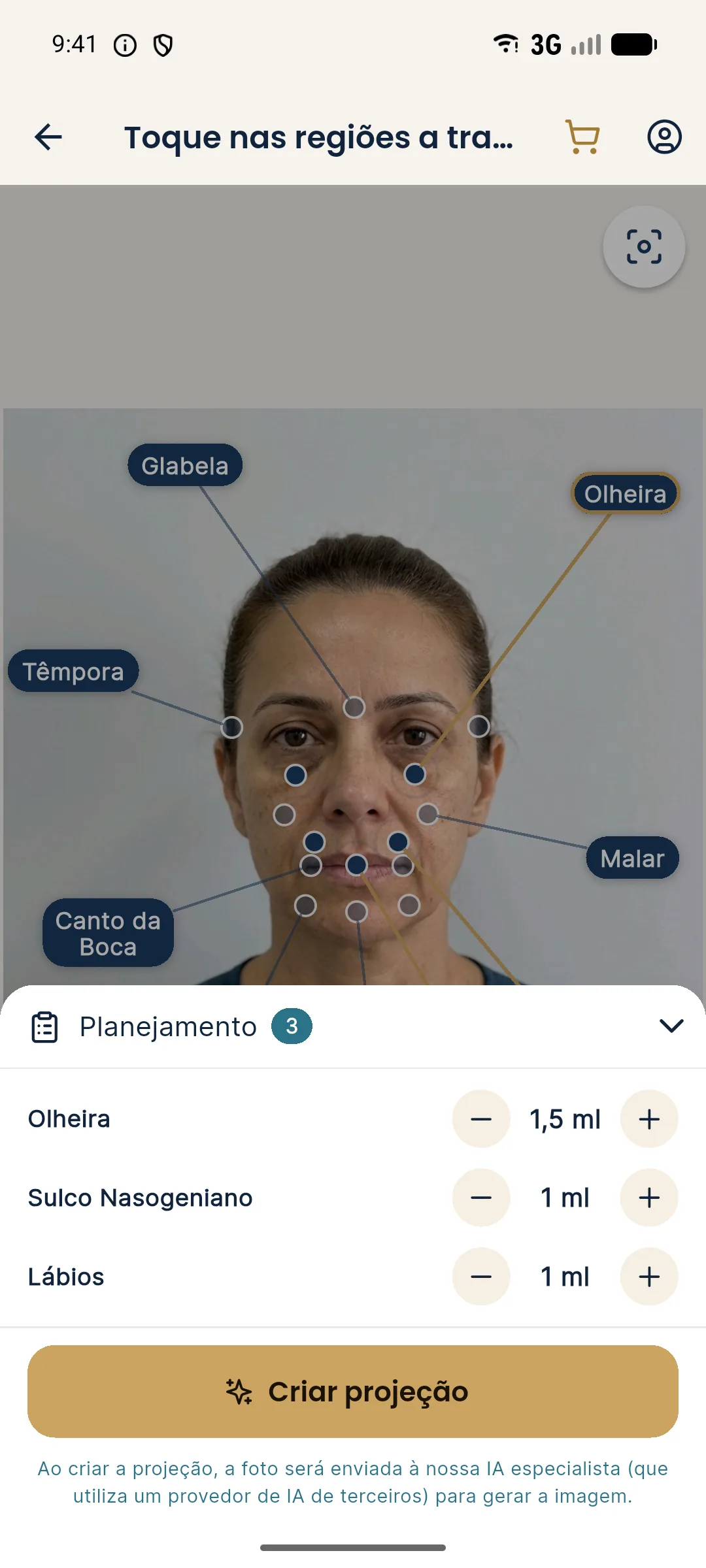
How do I prepare the photo and the marking?
Before tapping New projection, confirm the patient's authorization and use the standardized front photo. When marking, start with the main concern and keep the number of areas low. See marking few areas and marking areas and volumes.
How do I show the projection to the patient?
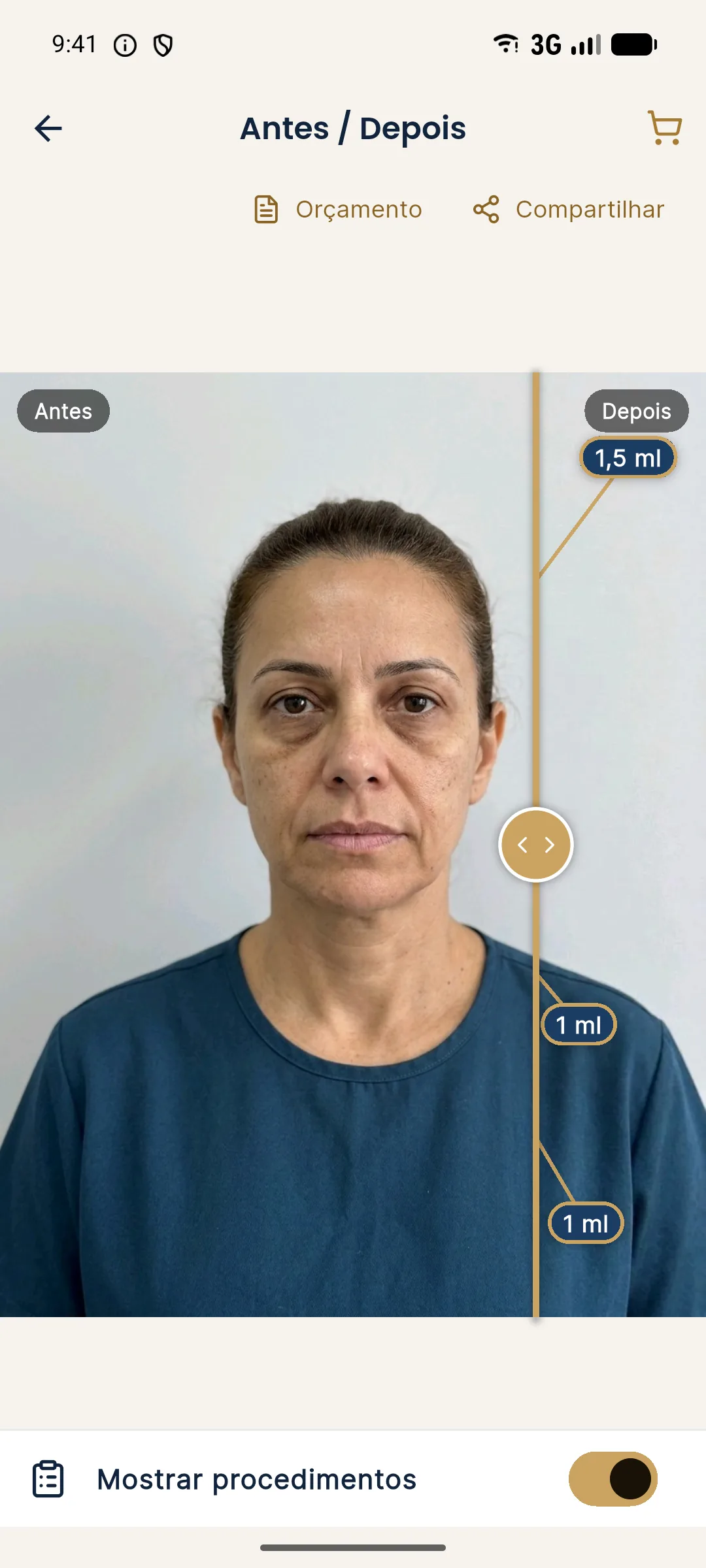
Use the slider to compare, dragging the gold line. For the conversation, presentation mode opens a full screen with only the slider, so you can turn the phone toward the patient. The magnifier enlarges only the treated area, with before and after side by side. See how to use the slider in Before and After in Harmy.
What to say and what to avoid?
Talk about direction, not promises. Avoid expressions like "it will look like this" or "guaranteed". Show the image after aligning expectations, not before. See explaining to the patient that it is a simulation and presenting the projection in the consultation.
And after the conversation?
If the patient wants it, generate the quote as a PDF with your brand and a validity period in days. The image stays in the history by patient, and you can come back to it later. Harmy does not replace informed consent, the patient record or clinical judgment.
Summary
Listen, assess, ask for authorization, photograph, mark little, project and talk. The projection is a tool to make the conversation clearer, not a sales argument.
Common mistakes in the first consultation
The most frequent mistake is opening the app right at the start, before listening to the patient. The image captivates, and the conversation starts revolving around what they saw, not what they feel. Leave the projection for after listening and assessment.
The second is marking too many areas, as if it were a menu. Prefer few, tied to the concern, and show others only if the patient asks. See marking few areas.
The third is forgetting consent. Photographing and sending the image to a third-party AI requires informed authorization. Do it before opening the camera, and record it according to your professional council's rules.
The fourth is leaving the image loose, without a frame. If you share it, use the image with the clinic header and the simulation notice, or the patient link. And never post the projection as if it were the result of a real case. See simulation notice when sharing.
If this is your first time with the app, it is worth practicing the flow first with the 5-minute walkthrough.
Frequently asked questions
Should I use Harmy in the very first consultation?
You can, as long as the clinical assessment comes first and the patient has authorized the photo. The projection supports the conversation, it does not replace it.
How long does the Harmy flow take in the consultation?
With the photo ready and the marking defined, the projection usually fits in a few minutes, but the time depends on the conversation and the number of areas.
Can I show the phone directly to the patient?
Yes. Presentation mode opens a full screen with only the slider, so you can turn the phone toward the patient, and the magnifier enlarges the treated area.
What should I say about the image?
That it is an illustrative simulation made from their photo, with no promise of results. The notice also appears on the shared image.