
One frontal photo for planning: what it needs to have
Quick facts
- Photo
- Just one, frontal, with the whole face, gaze at the camera or the horizon, neutral expression.
- Light
- Diffuse and even, with no strong shadow or backlight.
- Framing
- Face centered, without cutting off hair, chin or ears, with a margin around it.
- App
- Harmy uses only the frontal; there is no profile and no multiple photos per session.
Harmy works with a single photo of the patient: the frontal. There is no profile, there are no multiple photos per session, and there is no 3D. That is both a simplification and a demand: the entire quality of the projection depends on one image, and a bad starting photo is not saved by anything that comes after.
This page gathers what that photo needs so the app can detect the face, mark the areas accurately and generate an honest projection. If you already photograph to the clinical standard, most of it is already in place. For capture tips inside the app, see also standardized frontal photo and new projection.
What does the app do with the photo?
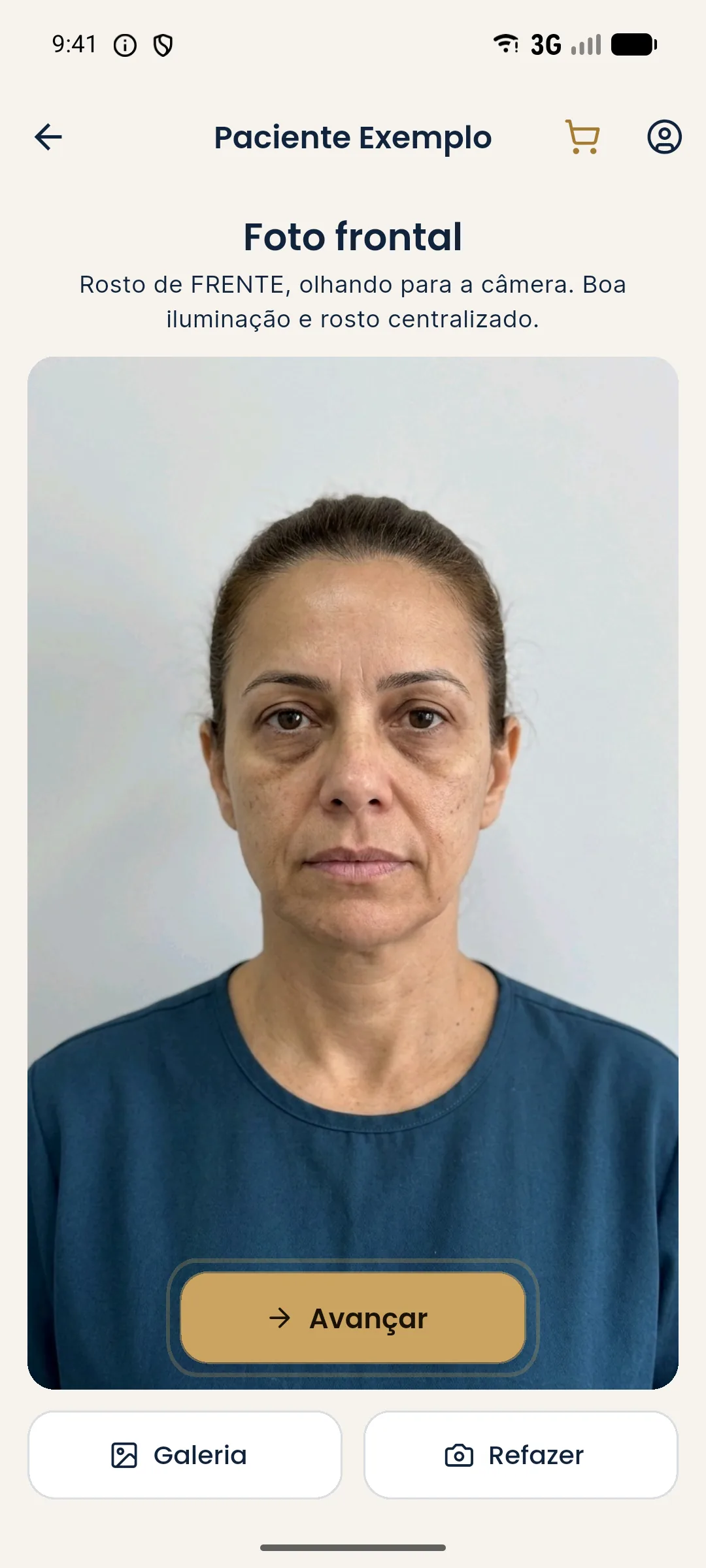
The flow is short. You create a new projection, enter the patient's name, take or pick the frontal photo and the app detects the face on the device itself. Labeled points appear on the possible areas, you tap the ones you want to treat, set the ml for each and create the projection. The face contours are calculated on the device and are not stored. The image is sent to a third-party AI to generate the projection, with the professional's consent in the app.
This path has a critical point: detection. If the face is not detected, there are no points, and without points there is no marking. See face not detected in Harmy for the cases where this happens.
What are the minimum requirements?
Each item has a reason. A partially covered face does not generate reliable points. Rotation or tilt changes the proportions the app uses to position each area. The expression goes into the projection as it is. And the background, hair and lighting are not altered by the app: the projection changes only what was marked.
Why is a neutral expression central?
Harmy's prompt forbids makeup, skin retouching, and changes to expression, background, hair and lighting. That is a virtue: the projection is honest. But it has a direct consequence: whatever is in the photo shows up in the projection. If the patient smiles, the smile will be on both sides of the slider; the comparison remains valid, but the smile hides or deforms areas such as the lips, cheekbone and fold. For the lip area, a smile changes the area where filler would be simulated.
As a result, the resting photo is the best input. See neutral expression in the clinical photo and resting photo vs dynamic photo.
And lighting?
Lighting also passes straight through to the projection. A photo with a strong shadow under the nose, under the lip or on one side of the face carries that shadow into the After. This can look like a change the app did not make, or mask one it did. Diffuse, even light, as in lighting for clinical facial photos, gives the cleanest base. Avoid backlight (a window behind the patient) and very yellowish light, which changes the perception of skin tone; see office lighting and skin tone.
How to frame it?
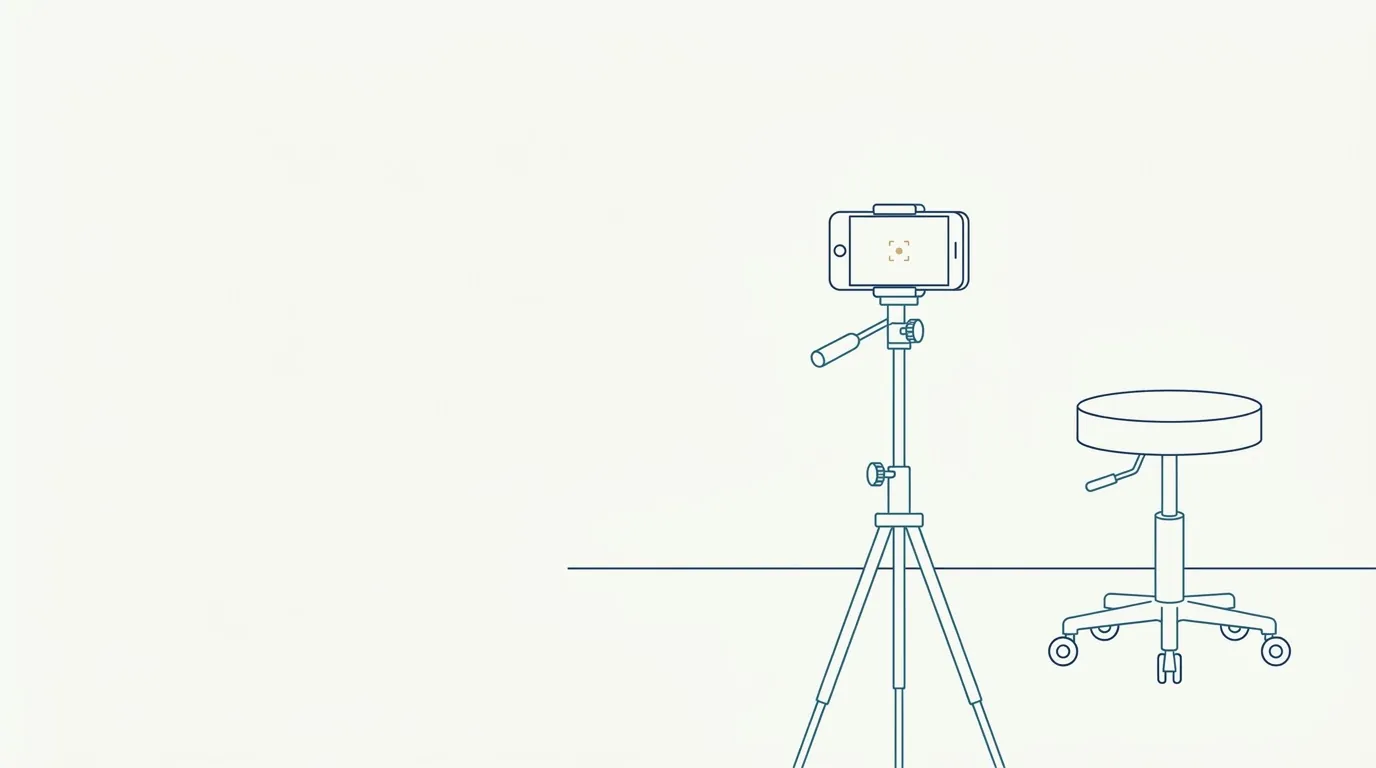
The face fills most of the frame, centered, with the whole head in view and a small margin around it. The camera is at eye level, at documentation distance, and the phone is vertical. The device grid helps align the line of the eyes with the horizontal. Details in framing the frontal photo, camera height and phone distance.
A common mistake: taking the photo too close. A selfie distorts the face and the projection starts from that distortion. Prefer the rear camera, with someone holding it or a tripod (front or rear camera, tripod for clinical photos).
What can come from the gallery?
A gallery photo works as long as it meets the same requirements. What gets in the way most in gallery photos:
| Problem | Effect in the app |
|---|---|
| Beauty filter | The projection starts from an already altered face (filters and beautification) |
| Portrait mode or HDR | Blurred edges and altered texture (HDR and portrait mode) |
| Old photo | The face has changed, and the projection loses fidelity |
| Cropped photo | Cut-off face, no margin, hurts detection |
| Photo of a screen | Moiré, reflection and low resolution |
If possible, take the photo on the spot. If you use the gallery, prefer a clinic photo, taken to a standard, and not a selfie.
How to explain it to the patient?
Patients often find it odd that a photo "without expression" is needed. Explain that it is the photo that serves as the basis for the simulation, and that a relaxed face is what allows an honest comparison. Ask for consent to send the photo to the third-party AI, which the app requests from the professional before generating the projection.
What mistakes to avoid?
- Using a photo with a smile, open mouth or tensed forehead.
- Accepting strong light from one side only.
- Photographing with a selfie, up close.
- Taking the photo with a filter or portrait mode.
- Cutting off the chin, hair or ears.
- Trying to compensate for a bad photo by adjusting the ml.
One photo demands one kind of care: that it be the best frontal photo the patient has ever had in your office.
Frequently asked questions
How many photos does Harmy use for one projection?
One: the frontal. The app does not use a profile, oblique or multiple photos per session. The photo can be taken on the spot with the camera or picked from the gallery.
What does the frontal photo need for the app to detect the face?
Whole face in view, facing forward, well lit, with no accessories covering the eyes and no exaggerated tilt. The app detects the face on the device itself and shows points for marking the areas.
Can I use a photo from the gallery?
Yes, as long as it is frontal and meets the same requirements. An old or filtered photo can make detection harder and distort the projection, so prefer a recent, unedited photo.
Why is a neutral expression important?
The projection changes only what was marked and does not alter the expression. If the photo has a smile, open mouth or tensed forehead, the projection inherits that expression and the comparison loses its meaning.
Harmy images are illustrative simulations generated by AI from the patient's photo to support the conversation between practitioner and patient. They are not a promise of results. Indication, technique, product and volume are solely the decision of the licensed practitioner. This content is for information only and does not replace a clinical assessment.